

Custom Instrument
Test equipment you can tailor to your exact application. Run custom DSP or your own unique instruments using Moku hardware, no complex design required.
From logic to hardware in four steps
No FPGA expertise required.
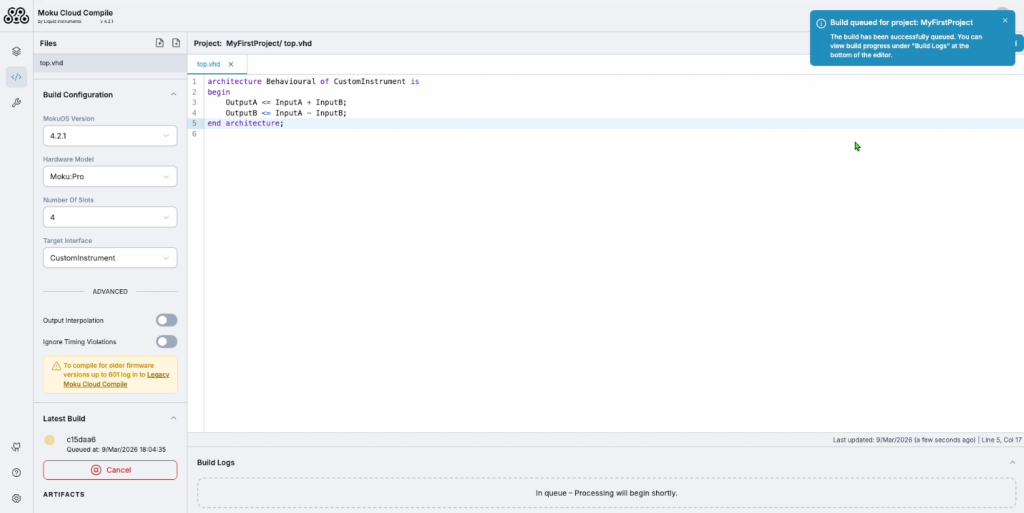
Moku Cloud Compile — code editor
Step 2
Compile your instrument
Run synthesis, routing, and bitstream generation — locally or in the cloud. No FPGA toolchain setup required.
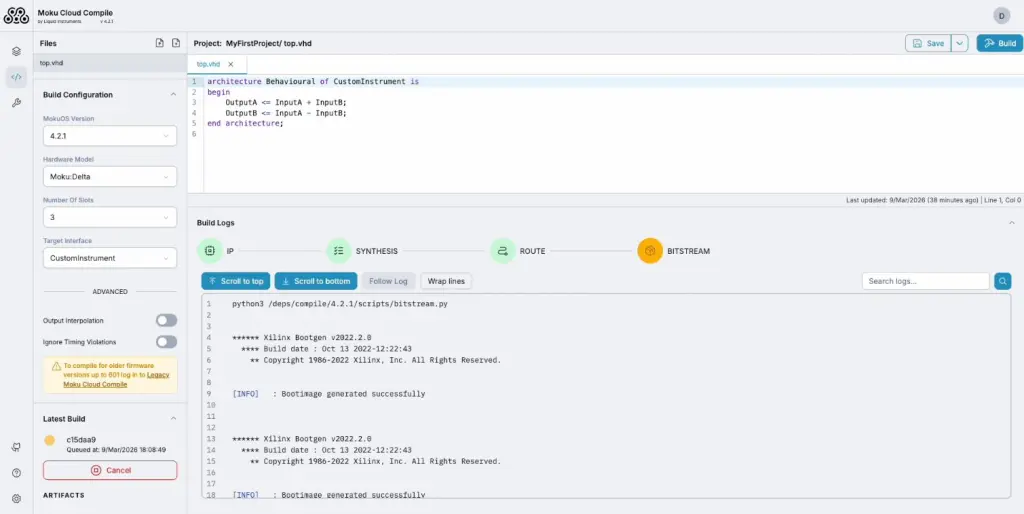
Moku Cloud Compile — build pipeline
Step 3
Deploy to Moku hardware
Browse and load bitstreams onto the user-programmable FPGA your Moku device using Custom Instrument. Deploy and run your design in seconds.
For full-rate or local bitstreams, use Custom Instrument+.
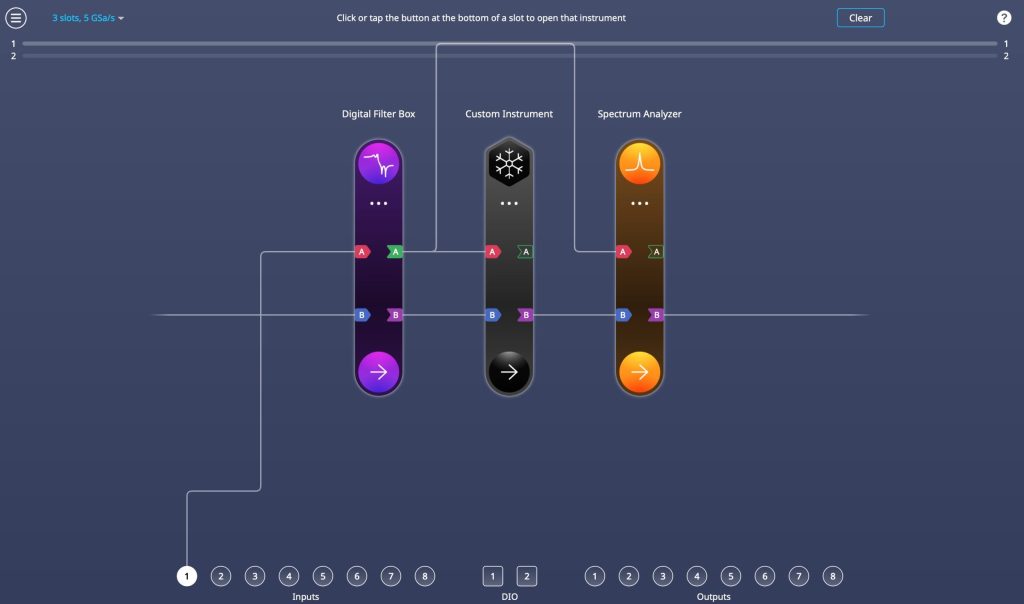
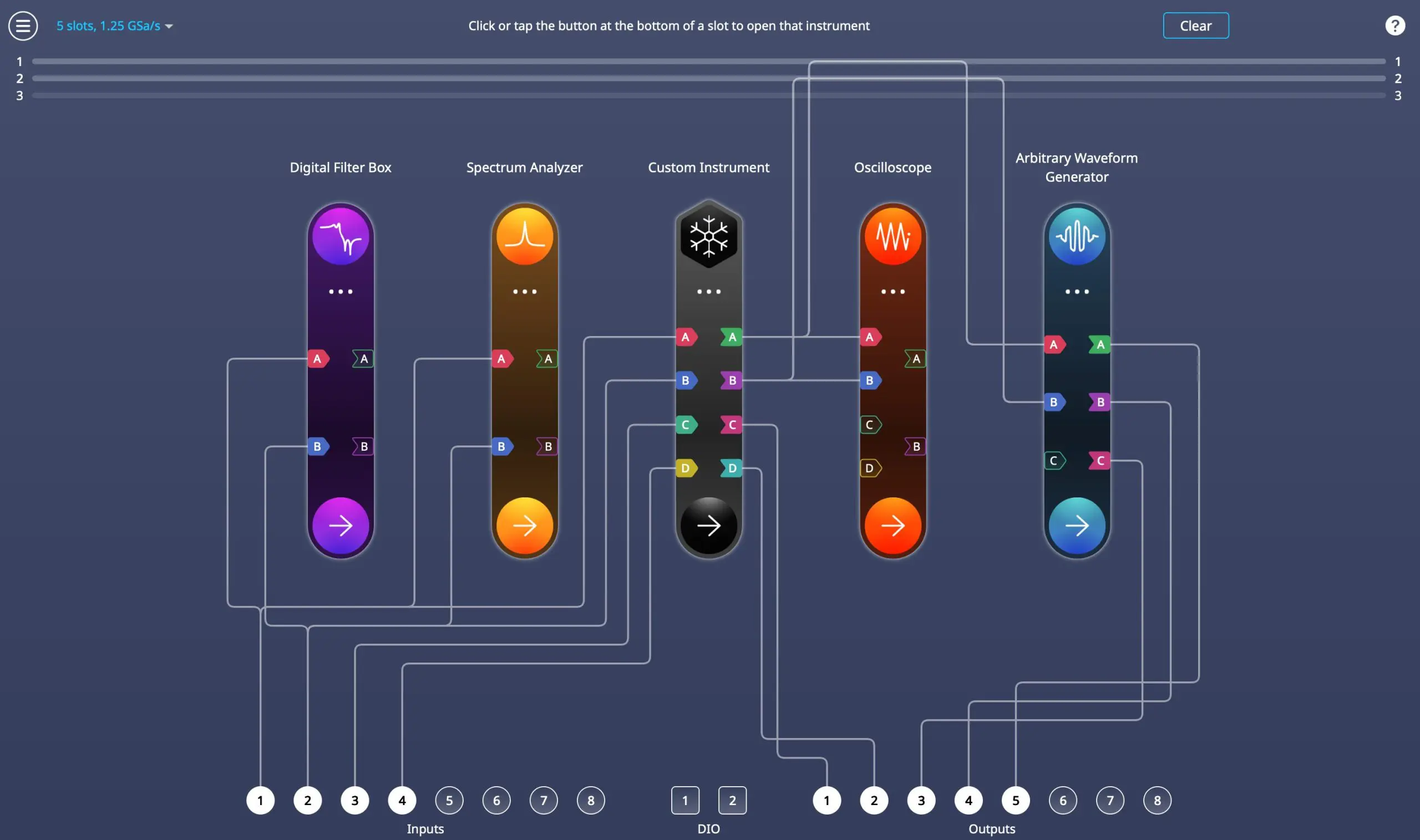
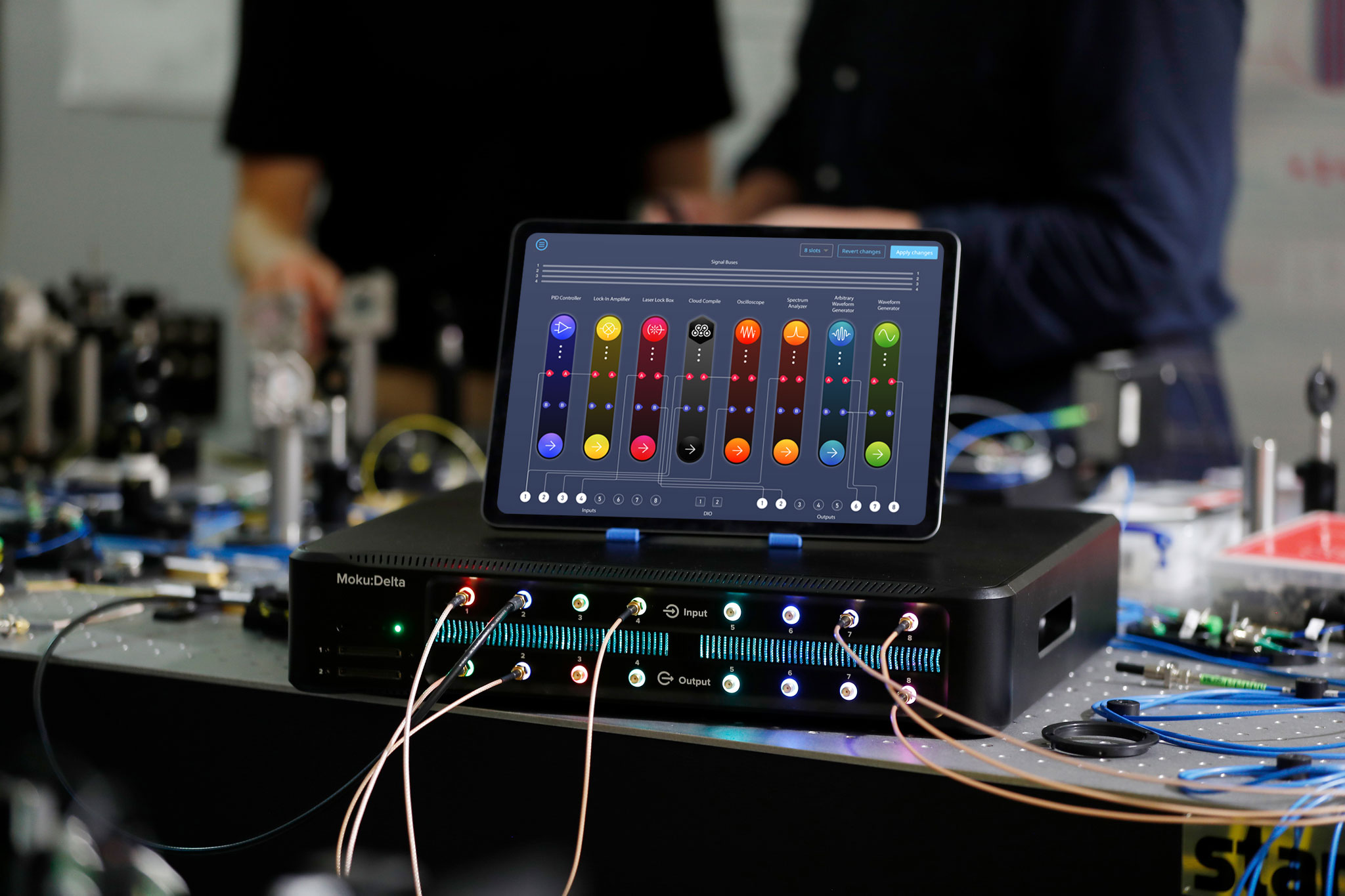
Moku:Delta — multi-instrument routing
Step 4
Validate alongside other instruments
Run your custom instrument in parallel with the built-in Moku suite for real-time validation.
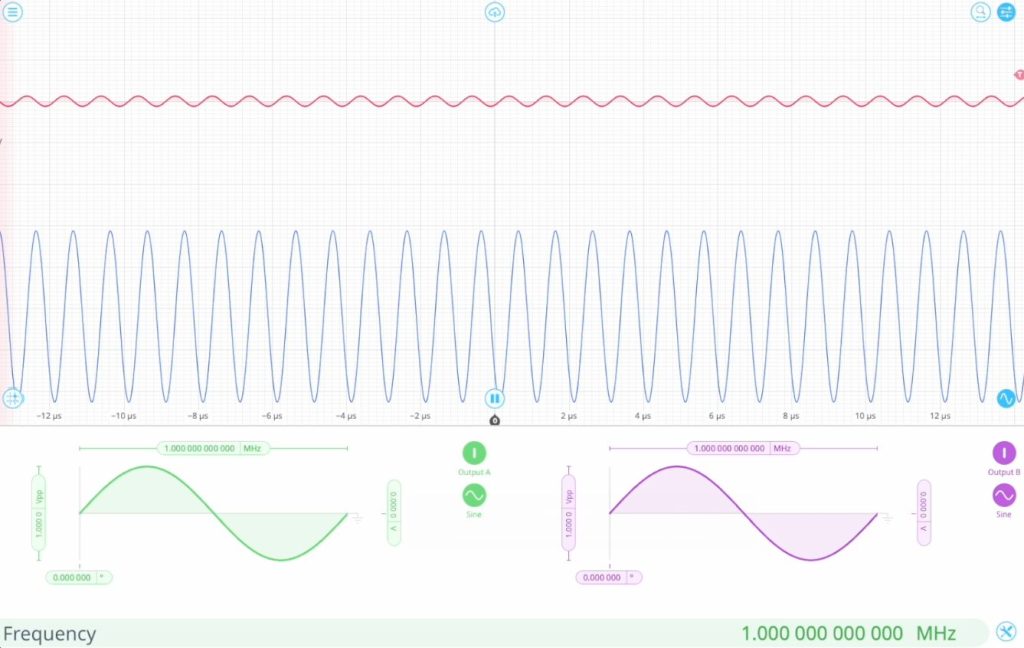
Moku — real-time instrument output
Coming soon: Generate custom bitstreams through natural language prompts.
Describe the measurement you need, and deploy the custom design in minutes.
FPGA Specifications
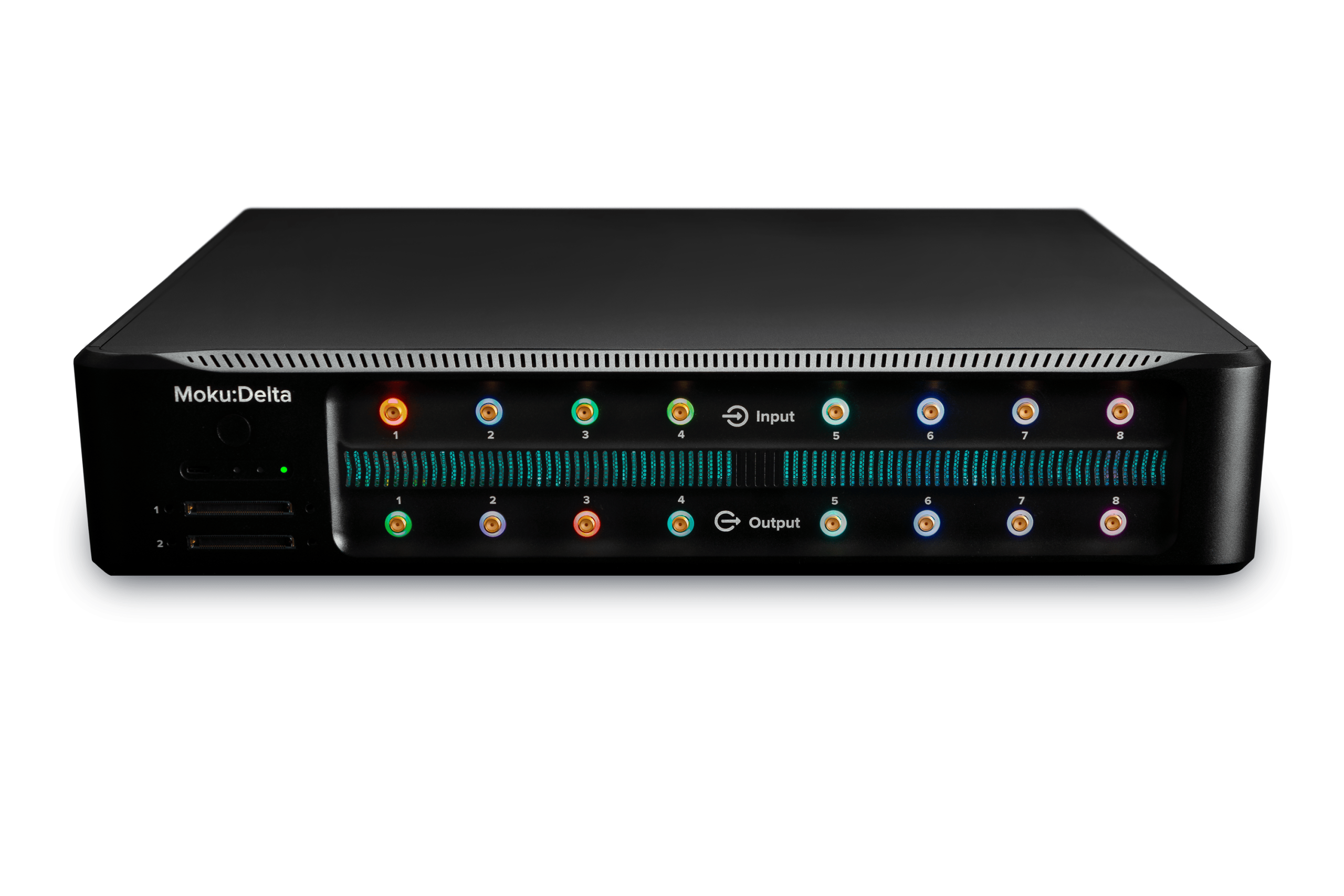
Moku:Delta |
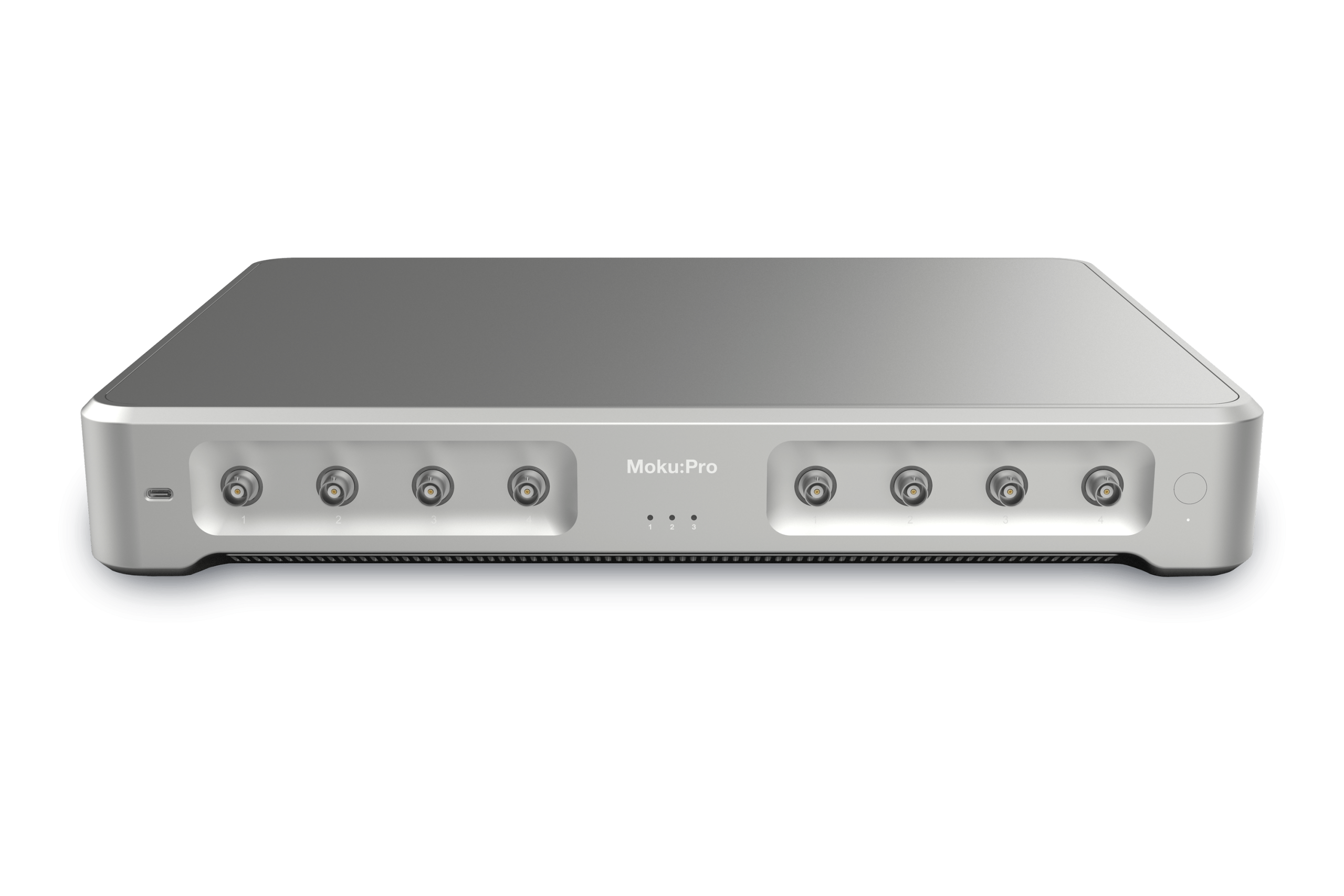
Moku:Pro |
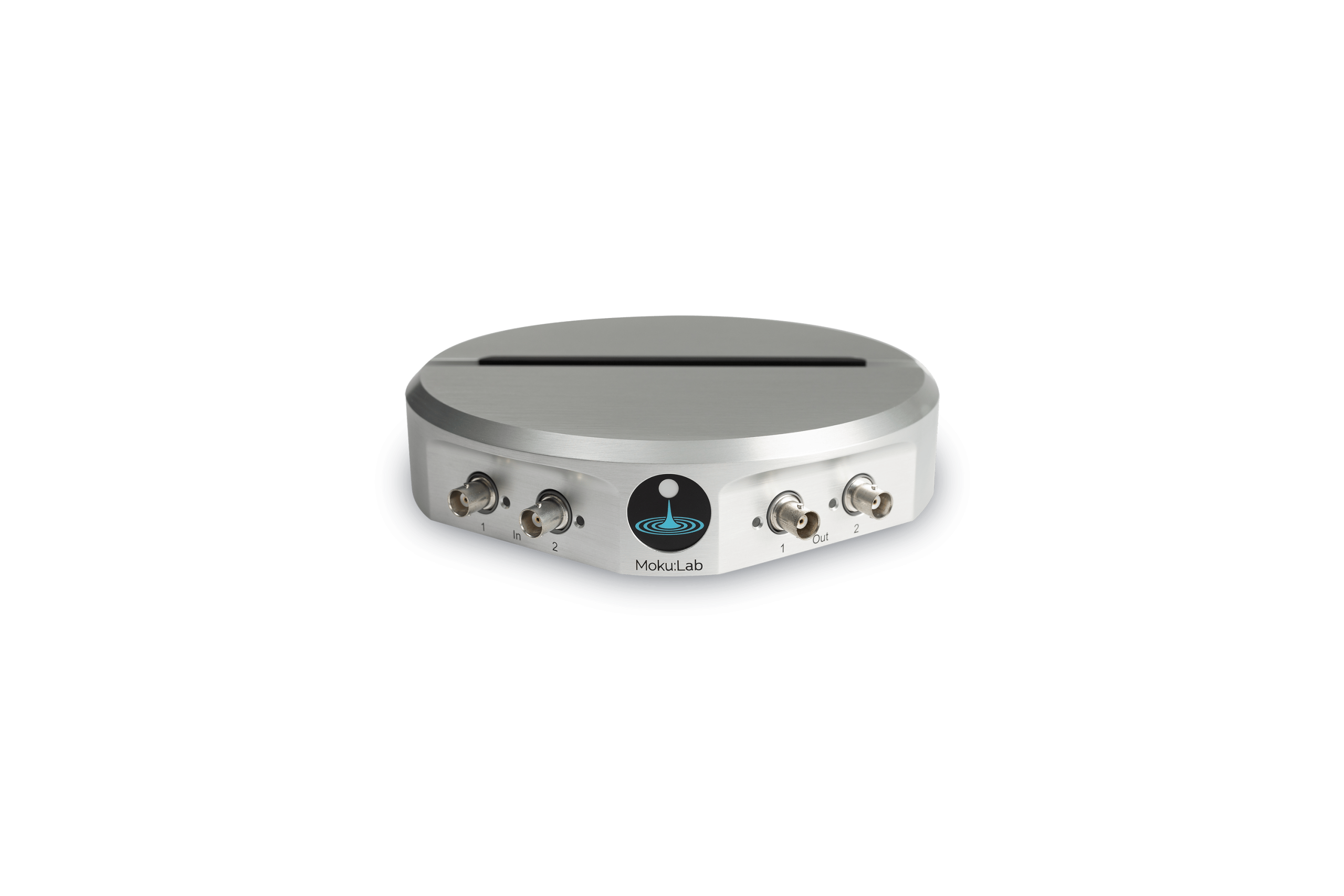
Moku:Lab |
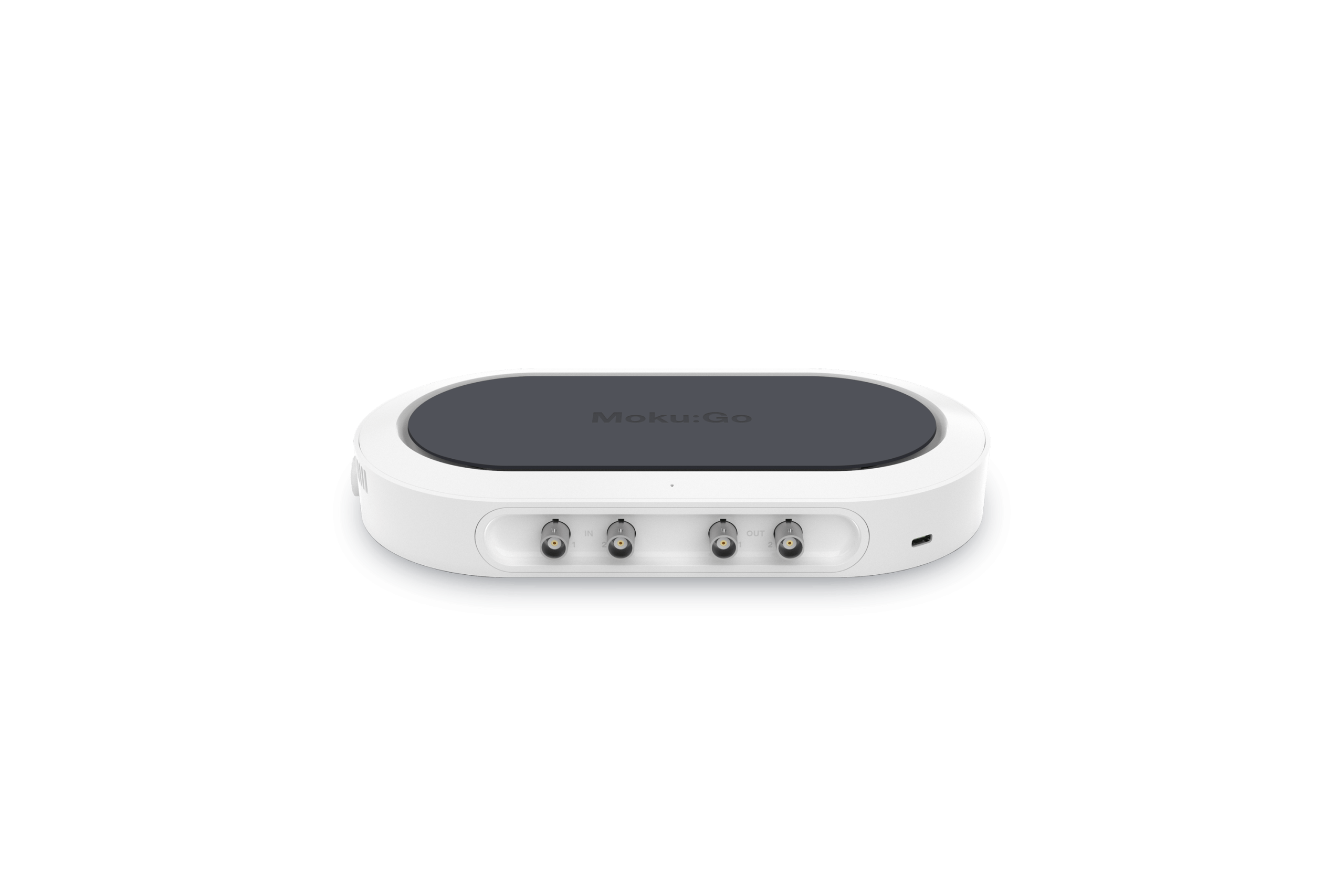
Moku:Go | |||||||||||||||||||||
|---|---|---|---|---|---|---|---|---|---|---|---|---|---|---|---|---|---|---|---|---|---|---|---|---|
| Learn more | Learn more | Learn more | Learn more | |||||||||||||||||||||
Moku:Delta |
Moku:Pro |
Moku:Lab |
Moku:Go | |||||||||||||||||||||
| Learn more | Learn more | Learn more | Learn more | |||||||||||||||||||||
| FPGA | RFSoC | Ultrascale+ | Zynq 7020 | Zynq 7020 | ||||||||||||||||||||
| Core clock | 312.5 MHz | 312.5 MHz | 125 MHz | 31.25 MHz | ||||||||||||||||||||
| Slots | 3 Slots5 Slots8 Slots | 4 Slots | 2 Slots3 Slots | 2 Slots3 Slots | ||||||||||||||||||||
| LUTs | 50,00040,00020,000 | 48.400 | 19,60012,000 | 20,00012,000 | ||||||||||||||||||||
| Flip-flops | 100,00080,00040,000 | 96,800 | 39,20024,000 | 40,00024,000 | ||||||||||||||||||||
| Block RAM (36k) | 10010050 | 154 | 6040 | 5040 | ||||||||||||||||||||
| DSP | 500350200 | 432 | 10060 | 10060 | ||||||||||||||||||||
| Custom Instrument sampling rate | 312.5 MSa/s | 312.5 MSa/s | 125 MSa/s | 31.25 MSa/s | ||||||||||||||||||||
| Custom Instrument Interlaced sampling rate | 5 GSa/s*1.25 GSa/s*625 MSa/s* | 1.25 GSa/s* | 500 MSa/s250 MSa/s | 125 MSa/s62.5 MSa/s | ||||||||||||||||||||
All specifications are per slot.
*Requires Custom Instrument+. May be subject to export control.
Hardware you can customize.
Build the instrument you need. Modern engineers require a broad range of tools, instruments, and software tools to test and validate their designs. Custom Instrument allows you to deploy custom designs on the user-programmable FPGA in your Moku, with no additional hardware design or low-level FPGA programming required.
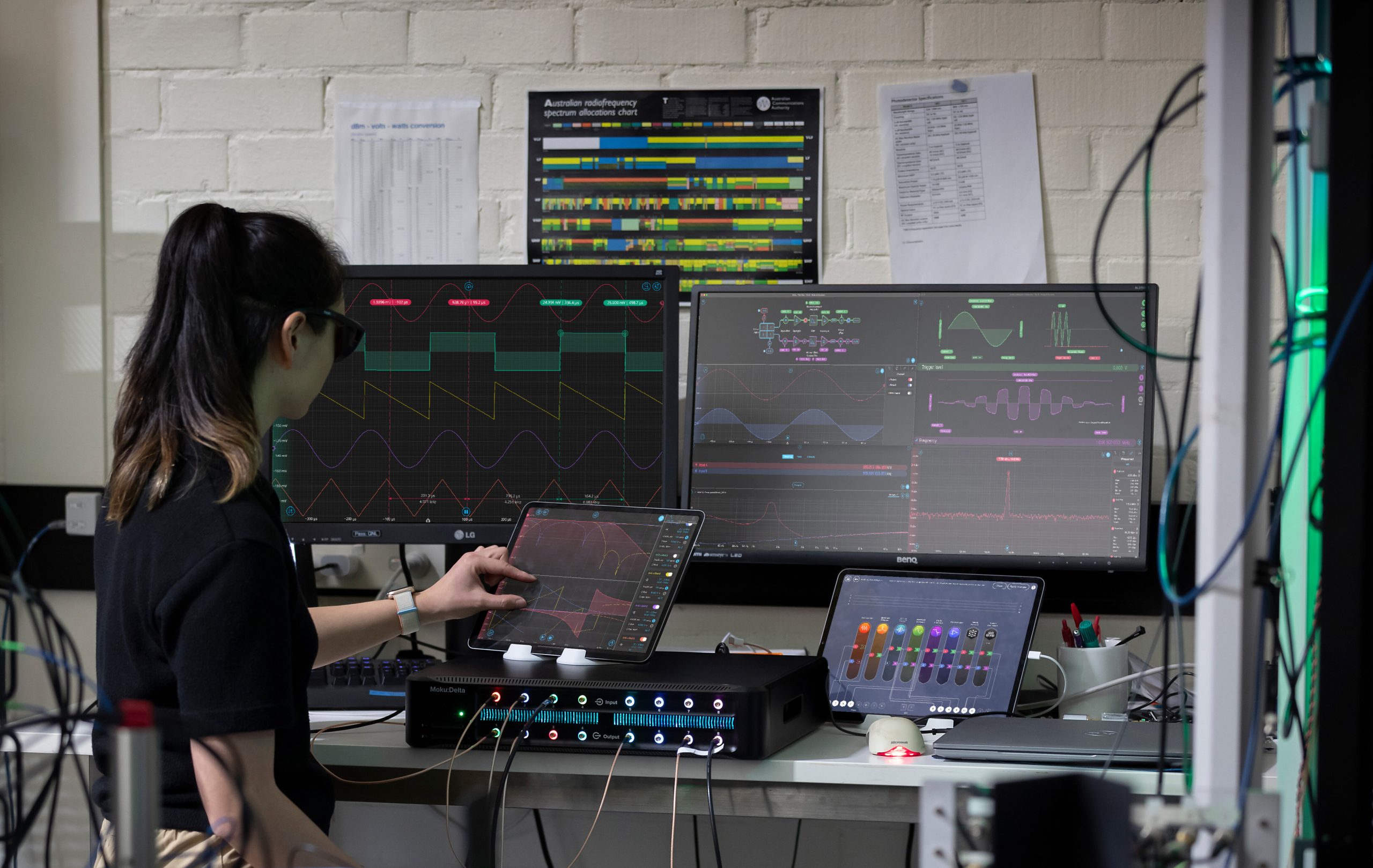
Run alongside built-in instruments.
Use Multi-Instrument Mode to integrate your custom instrument alongside predefined instruments. Debug your prototype, analyze your instrument output, or stimulate your design–no intermediary development boards or manual interface configuration required.
You’re in good company
FAQ
Custom Instrument Interlaced takes care of the low-level FPGA programming required to enable full-rate designs. To build bitstreams to run at the full hardware sampling rate, use Moku Compile premium.
Need help configuring? View the configuration guide.
Moku Cloud Compile allows you to deploy custom DSP directly onto the Moku FPGA in Multi-Instrument Mode. Write code using a web browser and compile it in the cloud; download and deploy the bitstream to your Moku device through the app. Moku Cloud Compile is free to use, included in the Base Moku Compile tier.
To build bitstreams locally with no cloud access, contact us.
Coming soon, use Generative Instrumentation to build custom instruments with no coding required.
HDL, or hardware description language, refers to a family of programming languages used to describe digital logic circuits and program FPGAs. The most commonly used hardware description languages are VHDL and Verilog. Moku Compile supports both, while Generative Instrumentation builds Verilog designs.
Custom Instrument and Custom Instrument+ are how you deploy bitstreams to your Moku and run them, while Moku Compile is where you write your code, synthesize, and compile.
Need help configuring? View the configuration guide.
Build custom instruments that work for you.
Explore software tiers and hardware licenses to enable custom instrument development and deployment.