
Please update your browser. For the best Liquid Instruments experience, update to the latest version of Chrome, Edge, Firefox, or Safari. Update Microsoft Edge.
Liquid Instruments Logo
Products
Hardware Platforms
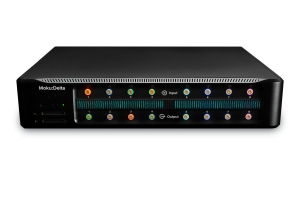
Moku:Delta
Moku:Delta
New
For advanced design and validation
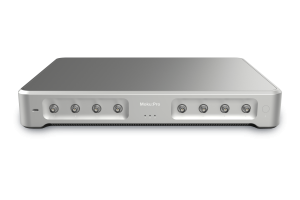
Moku:Pro
Moku:ProFor versatile test and measurement
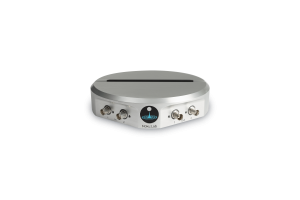
Moku:Lab
Moku:LabFor experimental research labs
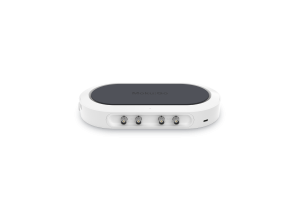
Moku:Go
Moku:GoFor quick testing and debugging
Compare Hardware
Compare HardwareView a side-by-side of all Moku hardware
Technologies
GenInst Studio
New
Generate personalized instruments
Integrated InstrumentsProfessional-grade instruments at your fingertips
Neural NetworkFPGA-powered neural network integration
Multi-Instrument ModeCombine instruments to create a customized test system
Moku CompileCode, compile, and deploy to your Moku's FPGA
Software
MokuOSDownload the Moku app for Windows, macOS, iPadOS & visionOS
APIsPython, MATLAB, LabVIEW
UtilitiesCommand line and graphical tools for file conversion
Instruments
Analysis
Oscilloscope
Spectrum Analyzer
Frequency Response Analyzer
Lock-in Amplifier
Phasemeter
Logic Analyzer / Pattern Generator
Time & Frequency Analyzer
Data Logger
Generation
Waveform Generator
Arbitrary Waveform Generator
Control & Conditioning
PID Controller
Digital Filter Box
FIR Filter Builder
Laser Lock Box
Custom & Utility
GenInst Studio
New
Gigabit Streamer
Custom Instrument
Neural Network
Multi-Instrument Mode
Applications
Optics and Photonics
Microscopy and Spectroscopy
Photon Counting
Quantum Optics
Aerospace and defense
A&D Instrumentation
Component Test
Automated Testing
Semiconductor Test
Control Systems and Bode Analysis
MEMS Testing
AI and Machine Learning
Generative Instrumentation
New
Neural Networks
Education
Education and Research
Resources
App Notes
Blog
Case Studies
Coursework
Guides
Product Documentation
Publications
Webinars
White Papers
Support
Company
Contact Us
About Us
Leadership
Partners
News & Updates
Press
Events Calendar
Careers
Store
Moku:Delta
Moku:Pro
Moku:Go
Upgrade Moku:Pro
Upgrade Moku:Lab
Upgrade Moku:Go
0
Get a quote Buy Now
White papers

Moku:Lab network status

A guide to understanding the LED network status indicators on Moku:Lab

September 25, 2019

    Download user manual

    Network status

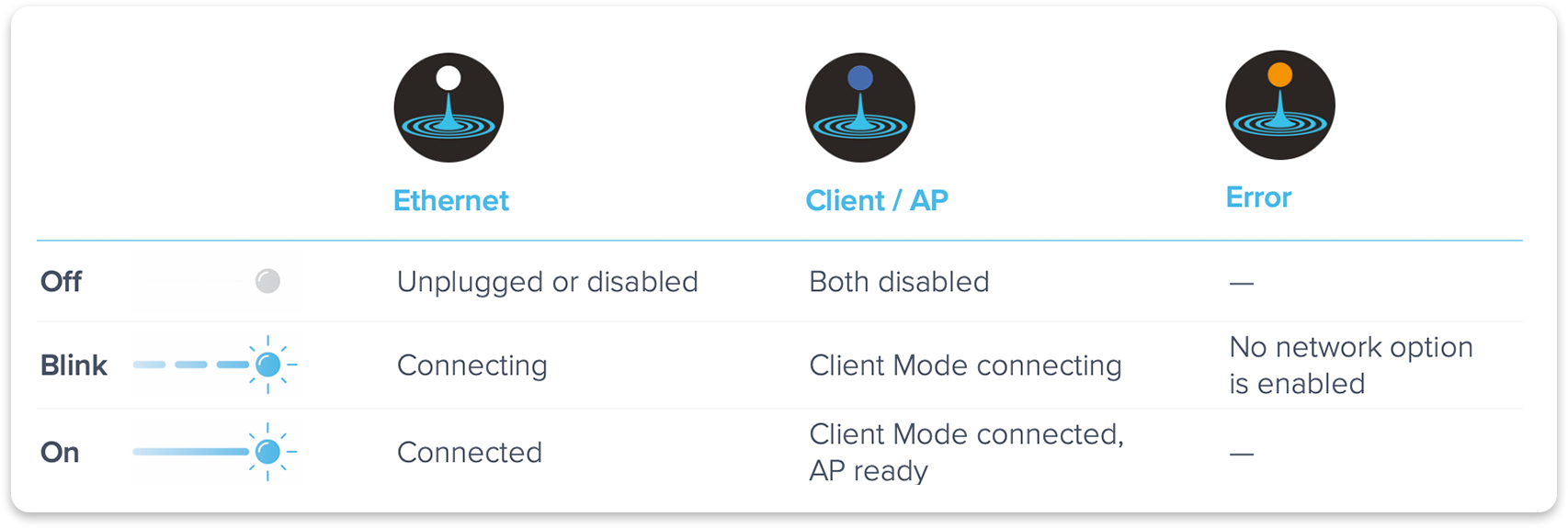
    Once Moku:Lab is fully booted, the front LED light represents the current network status. The blue LED represents both the on-board Wi-Fi access point (AP) and Wi-Fi client mode (join an existing Wi-Fi) status. The white LED represents the ethernet connection status. The LEDs blink when Moku:Lab tries to join a network. It turns to solid on when Moku:Lab is successfully connected to the network. If AP mode is enabled and client mode is disabled, the blue LED stays on (solid). The corresponding color turns off when the ethernet cable is unplugged/disabled, or both AP and client mode are disabled. If no network option is enabled, the yellow LED blinks. The following table summarized network status:

    Have questions or comments?

    Contact us

    Try Moku in demo mode Download the Moku app → Get answers to FAQs Visit Knowledge Base → Connect with Moku users Join the user forum →

    Other Recommended White papers

    White papers
    Building advanced triggers for test using AI-enabled tools

    Compressing weeks of custom development and replacing fixed Oscilloscope trigger modes with Generative Instrumentation

    Date: July 14, 2026

    White papers
    Scaling parallel device testing with Python and FPGA-based tools

    How combining software flexibility with hardware determinism increases test throughput and reliability in R&D and production

    Featuring: Moku:Delta, Spectrum Analyzer, Oscilloscope, Python

    White papers
    Visualizing and characterizing qubit states in quantum systems

    Learn about the representing qubit states with the Bloch sphere, along with common pulse sequences and tips for implementation with Moku

    Featuring: Arbitrary Waveform Generator, Lock-in Amplifier, Moku:Delta, Moku:Pro

    Date: August 6th, 2025

    Back to all White papers

    Nav

    • Products
    • Instruments
    • Resources
    • Support
    • Company
    • Contact Us
    • Privacy Policy
    • Terms of Use

    Offices

    United States
    (619) 332-6230
    12526 High Bluff Dr.
    Suite 150
    San Diego, CA 92130

    Australia
    +61 2 6171 9730
    243 Northbourne Avenue
    Suite 1, Level 1
    Lyneham, ACT 2602

    Australia
    +61 3 7073 3594
    Suite 5C, Level 5,
    700 Swanston Street,
    Carlton, VIC – 3058


    Follow us

    LinkedIn YouTube X Facebook Instagram

    官方微信

    © 2026 Liquid Instruments. All rights reserved.