


Overview
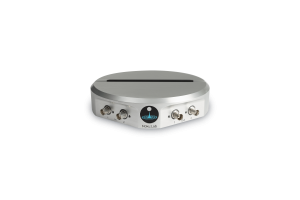
Working from home and limited lab access are hurdles most of us are navigating now. We have worked to take Moku:Lab’s remote capabilities a step further. Not only can you monitor your data anywhere in the lab, but now you can have full access to your experiments from home with remote access. This is a great resource for researchers and educators alike. Whether you need to check in on your data or give your students control of practical lab projects, Moku:Lab allows you to do it all, no matter where you are.
Setting Up
PC remote desktop access
Moku:Lab Windows App (beta), together with a remote desktop application, allows anyone to remotely access their Moku:Lab instruments over the internet. Let’s get started:

From your lab you will need to set up your Moku:Lab with a Windows PC running Moku:Lab’s Windows app. At home, deploy your company or university lab remote VPN solution. Together with Microsoft Remote Desktop you have full remote control of your Moku:Lab.
iPad remote access
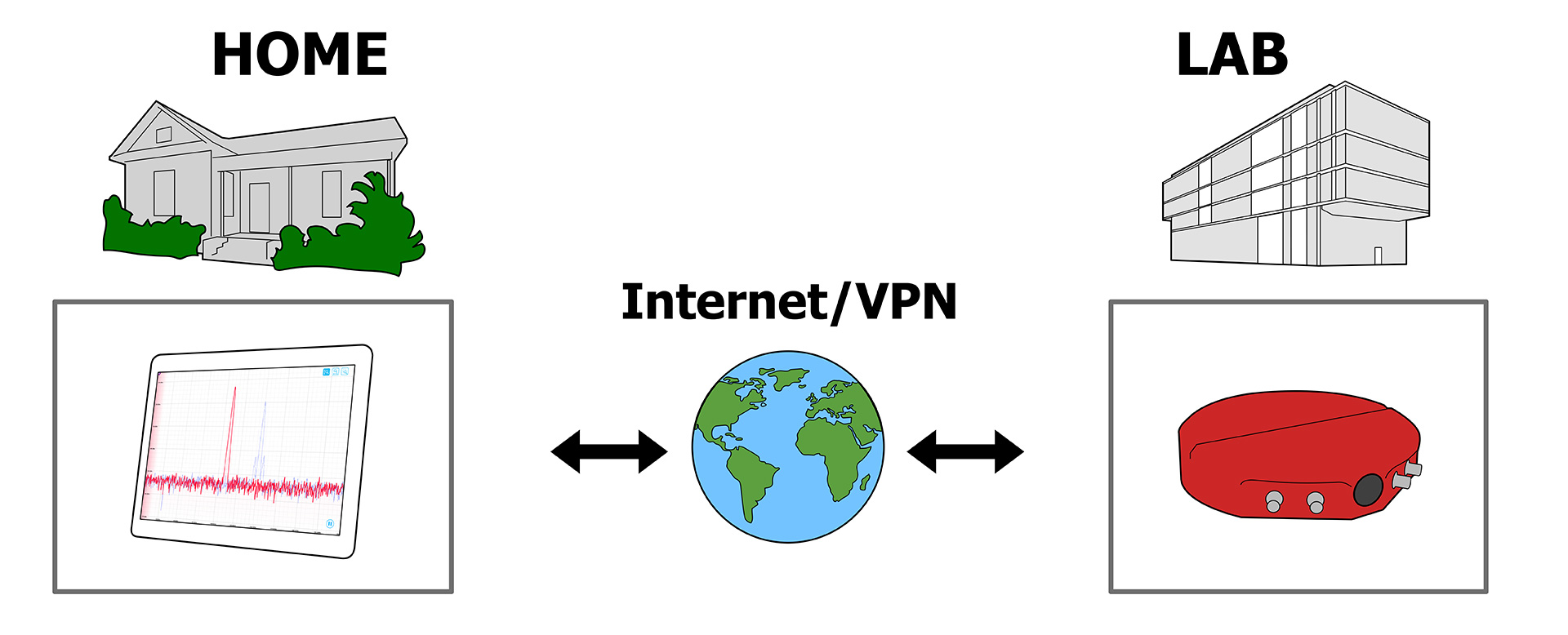
iPad remote access to Moku:Lab also allows for remote lab experiments, but without the need for a PC setup in the lab. Using a VPN, an iPad can remotely connect to Moku:Lab and control it as if you were in the lab. In your lab, set up your Moku:Lab on your local network and connect it to the experiment. To control remotely, install the Moku:Lab App on the iPad and deploy the built-in iOS VPN (“Settings” -> “General” -> “VPN” -> “Add VPN connection”). From there, configure the login, password, and pre-shared keys to match your company or university lab’s VPN. Once the VPN is configured, launch the Moku:Lab App and it will search and locate remote Mokus on the lab network.
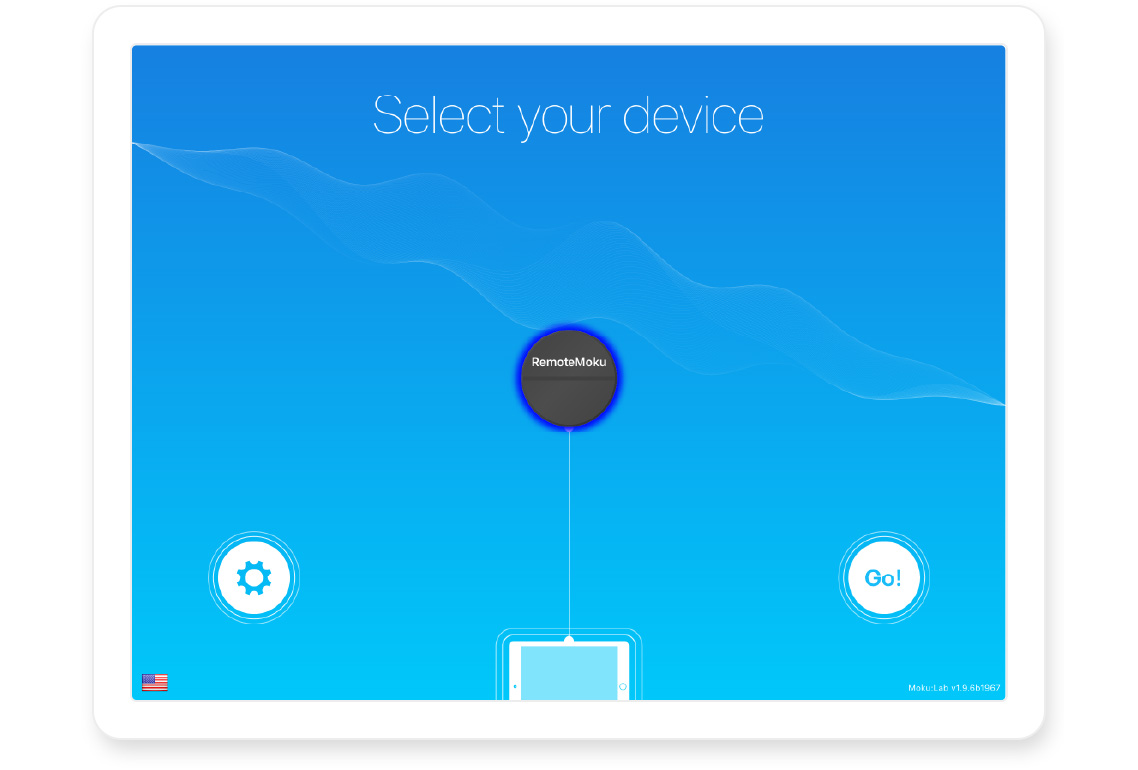
Figure 1: Select your device

Figure 2: Select your instrument
Use Cases
For professors looking to emulate the practical lab experience remotely, remote access via Moku:Lab is great option. Students can remotely access the lab on iPad, Windows or macOS machines from their home or dorm to conduct assigned tutorials, take measurements, and gain valuable lab experience while observing stay-at-home guidelines. Microsoft Remote Desktop is available in app stores for Windows, macOS, iOS and Android. So regardless of their home device, students can remotely access the lab and interact with Moku:Lab, take measurements and gain valuable lab experience.
Remote Measurements with Moku:Lab
Moku:Lab’s flexibility means you can remotely deploy different instruments for various experiments.

Figure 3: Remote Desktop connection to Moku:Lab’s Oscilloscope Remote VPN access to Moku:Lab running an oscilloscope allows you to run a tutorial on taking measurements across frequency. Moku:Lab’s Oscilloscope has an integrated waveform generator, thus a tutorial on the behavior of electrical components across frequency can be remotely investigated. The oscilloscope can be used to manually take magnitude measurements at a variety of frequencies and a magnitude/frequency plot sketched by hand. You can also make phase response observations. A suitable example circuit might be a classic Butterworth filter implemented with an op-amp.

Figure 4: Butterworth filter Once these concepts are understood, you can remotely launch Moku:Lab’s Frequency Response Analyzer instrument to provide a fast plot of the circuit frequency response, confirm the manual measurements, and observe phase response.

Figure 5: iPad connects to remote Frequency Response Analyzer One of the strongest benefits of software-configured hardware is its adaptability. That adaptability can come in the form of enabling new features, or simply making your work more accessible remotely. No matter what the future holds, our team is here to ensure Moku:Lab continues to fit your needs.
Have questions or want a printable version?
Please contact us at support@liquidinstruments.com